Automations: the emails your clients get, and when
Automations holds every email your clients get from you automatically, written for you and sent from your own address. There are two sets: emails for each of your flows, and emails for your placements that go to every client as their card moves.
Nothing goes out until your own email (Resend) is connected. Until then, the page shows Paused with a Connect Resend button. See Connect your own email.
Choose which emails you're looking at
- Click Automations in the sidebar (under Your business).
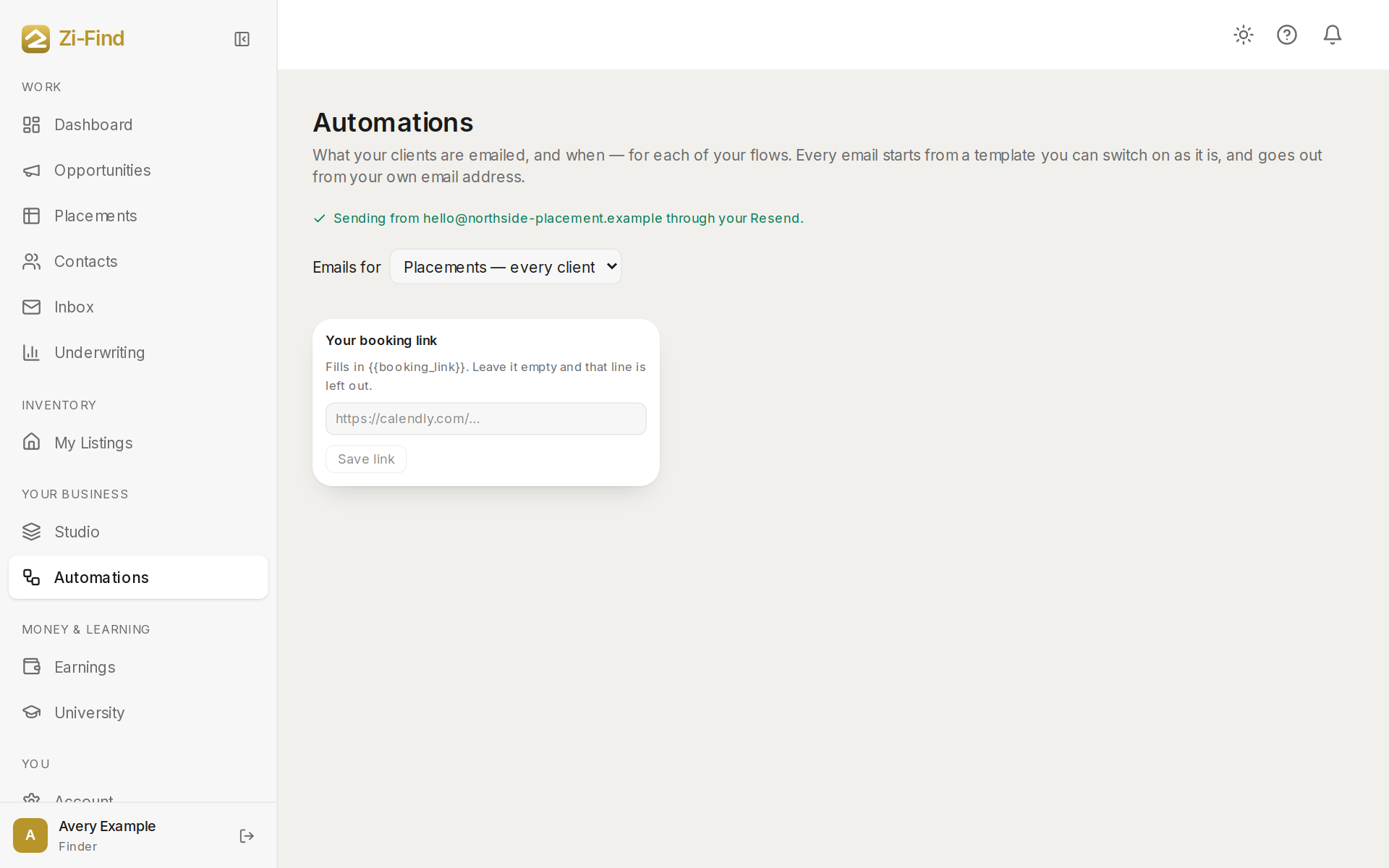
- Use Emails for at the top to pick one of your flows, or Placements — every client.
If you have more than one flow, Copy all emails from another flow replaces this flow's emails with that flow's wording.
Flow emails
- They filled in your form — off until you switch it on.
- They signed your agreement — always sent. It carries the exact words they signed.
- They paid (marketplace access) — always sent. It carries their one-click sign-in to your marketplace.
- They paid (no marketplace step) — a thank-you for flows that take payment but don't open marketplace access.
- Hasn't paid — first, second and last follow-up — up to three, sent days after the form if they haven't paid (by default 2, 5 and 10 days). Off until you switch them on, and only for people who arrive after you do.
Placement emails
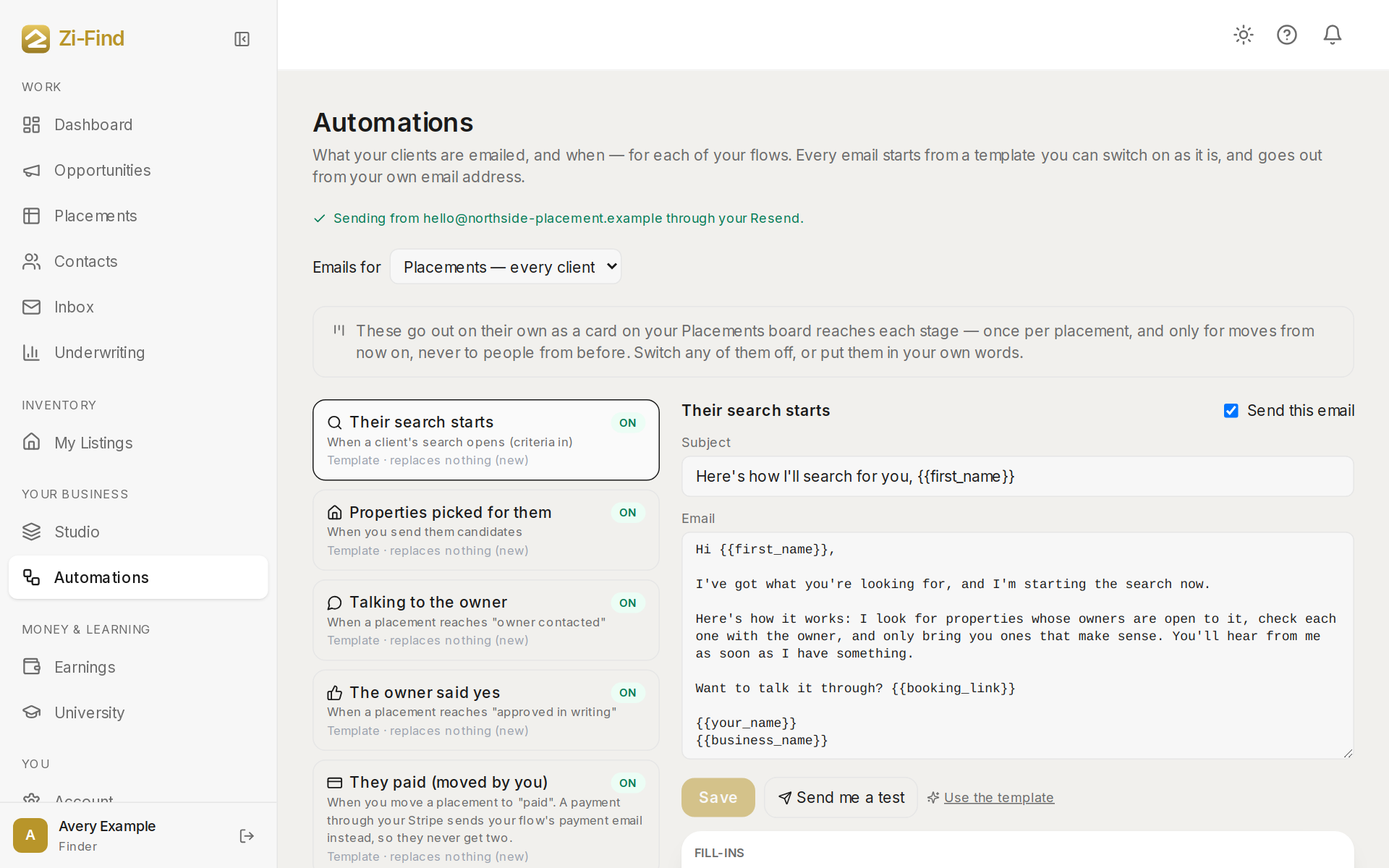
These are on from day one and go to a client as their placement enters a stage:
- Their search starts — when their search opens at Criteria in.
- Properties picked for them — when you send them candidates.
- Talking to the owner — at Owner contacted.
- The owner said yes — at Approved in writing.
- They paid (moved by you) — when you move a card to Paid. A payment through your Stripe sends your flow's payment email instead, so they never get two.
- Confirm the lease — when you mark the lease signed. Always sent.
- A placement goes quiet — after a few days without movement, a notification to you, never an email to the client.
Each placement email goes once per placement, and only for things happening now. Switching automations on never emails people about something that happened before.
Edit an email
- Change the subject and wording. The Fill-ins list shows what you can insert — their first name, your business name, the property, their sign-in or confirm link, and so on.
- Switch any optional email off with its toggle.
- Send me a test sends it to you with example fill-ins (your Resend must be connected).
- Use the template goes back to our wording. Your words for that email are removed.
Some emails must keep a fill-in — like the sign-in link or the confirm link — because that's how your client gets what they need. Those can't be saved without it, and "always sent" emails can't be switched off.
Good to know
- Automatic emails appear in the contact's Inbox thread, marked Automatic, and on their timeline.
- If you have no flow yet, Automations points you to Studio to pick one.
- Your booking link on this page is what the booking-link fill-in puts into your emails.
- Moving a card back and forward again doesn't repeat an email that already went for that placement.
Need more help?
Customers get support inside their account. Sign in, then open Help or the chat bubble in the corner.