Amplification: how your listings get promoted on Pro+
Amplification is how Zi-Find promotes the properties you list to operators: on the Zi-Find homepage, in the member newsletter and on social. On Finder Pro+ your active listings get priority placement, and you choose which channels each listing appears on. The Amplification tab shows the real history of where your listings were featured.
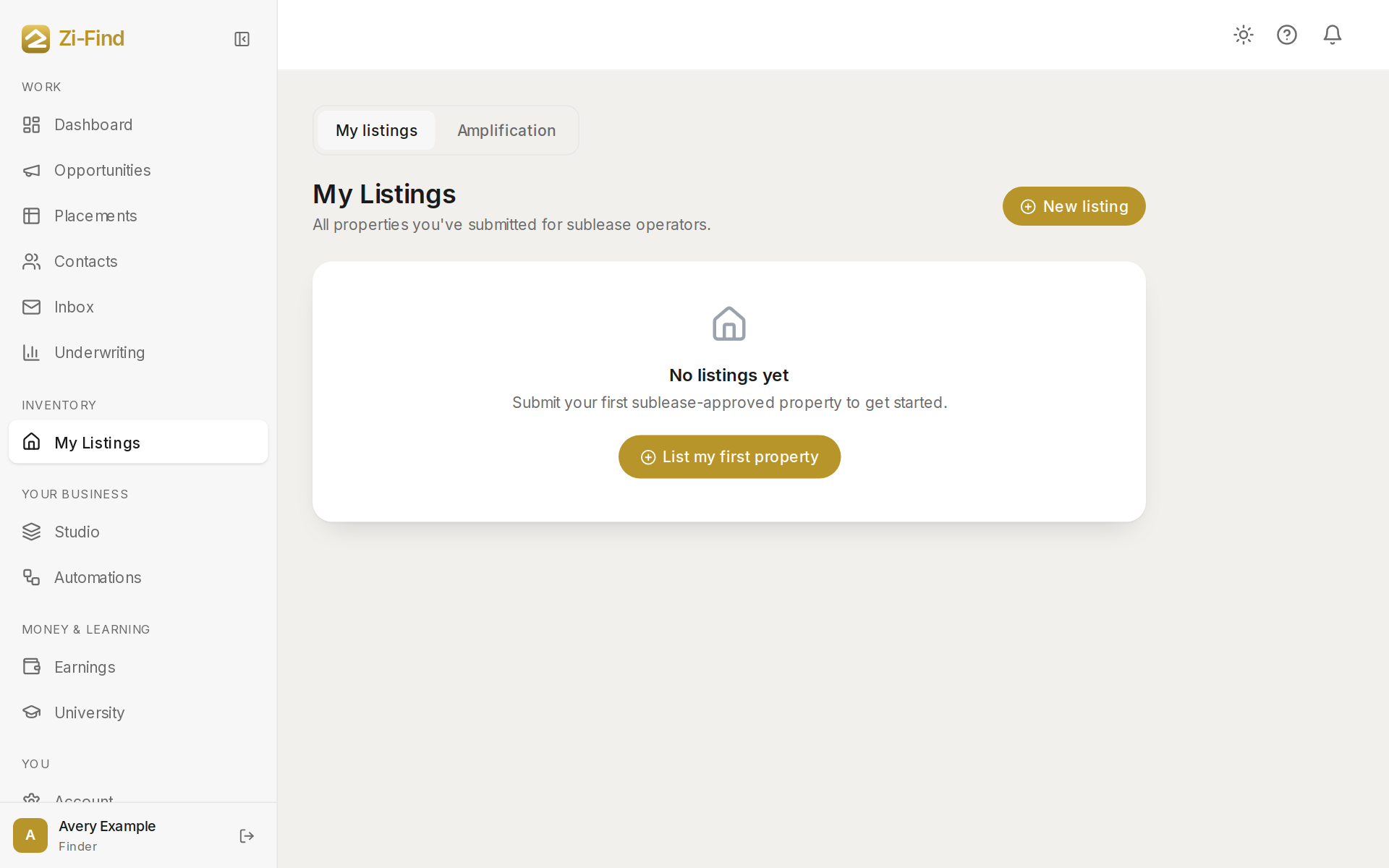
Where to find it
- Click My Listings in the sidebar (under Inventory).
- Click the Amplification tab next to My listings.
The three channels
- Website — featured on the Zi-Find homepage. Pro+ listings are shown first.
- Email — included in the member newsletter.
- Social — posted to Zi-Find's social accounts.
At the top, a summary card for each channel shows how many of your listings have appeared there. Below it, Placement history lists each time a listing was featured, with the date.
Choose channels for a listing
- Open a listing from My listings to edit it.
- In Where this listing shows, tick the channels you want it on: Website, Email and Social. (You can also set this when you first list it.)
- Save.
On plans below Pro+, active listings are eligible on every channel on a best-effort basis but you can't choose. Pro+ adds priority and the choice.
What counts
- Only active listings are promoted. A listing waiting on review, paused or withdrawn isn't.
- Listings ask every couple of weeks whether they're still available. Answer, so operators only see live properties — and so your listing stays active.
- The history shows only things that actually happened. If a channel shows "no placements yet", nothing has run there for your listings yet.
Good to know
- Amplification promotes your listings to operators on Zi-Find. It's separate from your own client marketplace, where your paying clients see your listings under your brand. See Your client marketplace.
- Pro+ also lets you post unlimited listings.
- New to listing? See Listing your first property.
Need more help?
Customers get support inside their account. Sign in, then open Help or the chat bubble in the corner.